

一般使用zxing 库就可以生成二维码了,但是要注意一个重要参数,ErrorCorrectionLevel 纠错能力等级,等级越高,内容码点越密集,纠错能力当然也越强(即使被遮挡了一部分也能还原)
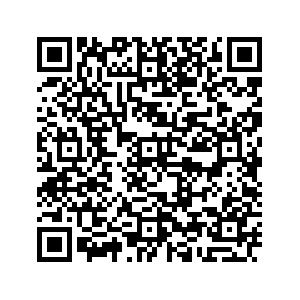
<dependency> <groupId>com.google.zxing</groupId> <artifactId>core</artifactId> <version>3.5.2</version> </dependency> public enum ErrorCorrectionLevel { L(1), M(0), Q(3), H(2); } 可以发现纠错等级越高,生成二维码的码点越密集。
左边 level=0 ,右边 level=3
|  |
|  |
|
如果为了生成更好一点的二维码,建议使用qrgen
<dependency> <groupId>com.github.aytchell</groupId> <artifactId>qrgen</artifactId> <version>3.0.0</version> </dependency> 创建二维码
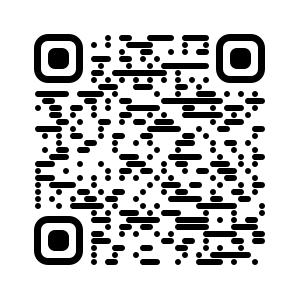
private BufferedImage createRoundedQRCodeImage(String url, int width, int level) throws QrConfigurationException, NoSuchMethodException, InvocationTargetException, IllegalAccessException, WriterException { QrCodeRenderer qrCodeRenderer = new QrCodeRenderer(PixelStyle.ROWS, MarkerStyle.ROUND_CORNERS); ColorConfig colorCOnfig= new ColorConfig(new RgbValue(0, 0, 0), new RgbValue(255, 255, 255)); Map<EncodeHintType, Object> hints = new HashMap<>(); hints.put(EncodeHintType.ERROR_CORRECTION, getErrorCorrectionLevel(level)); return qrCodeRenderer.encodeAndRender(url, colorConfig, width, width, hints); } 效果
--- 关于作者 ---



 Select Language